

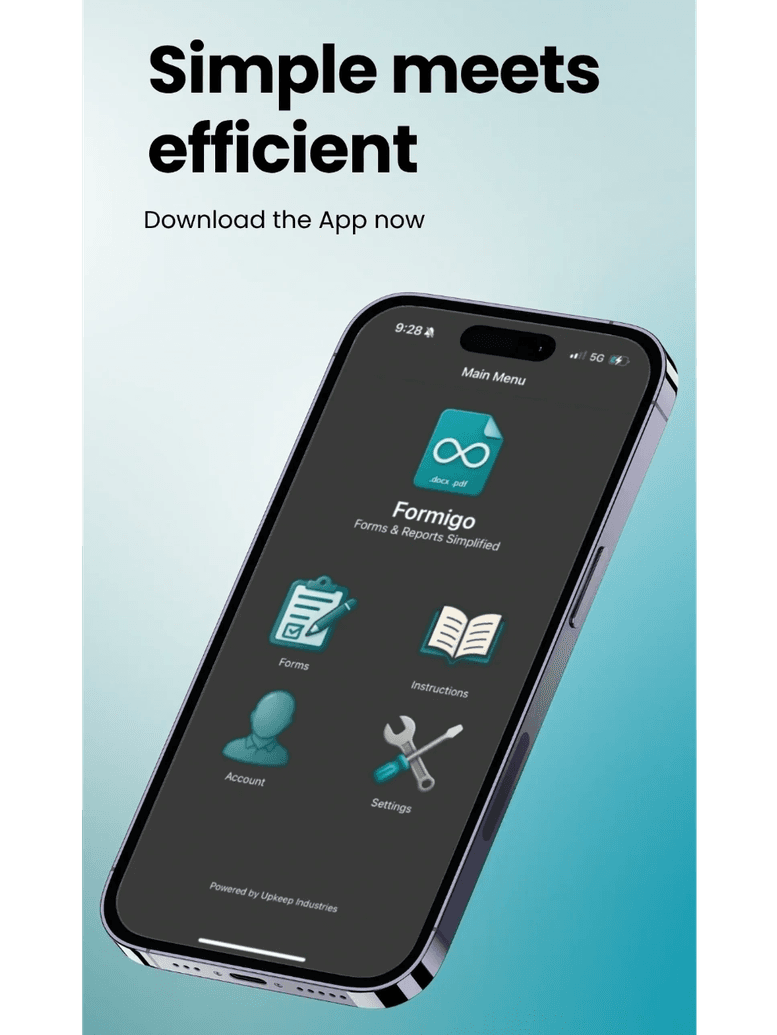
Formigo
Forms & Reports Simplified
- Audits
- Checklists
- Inspections
- Reports
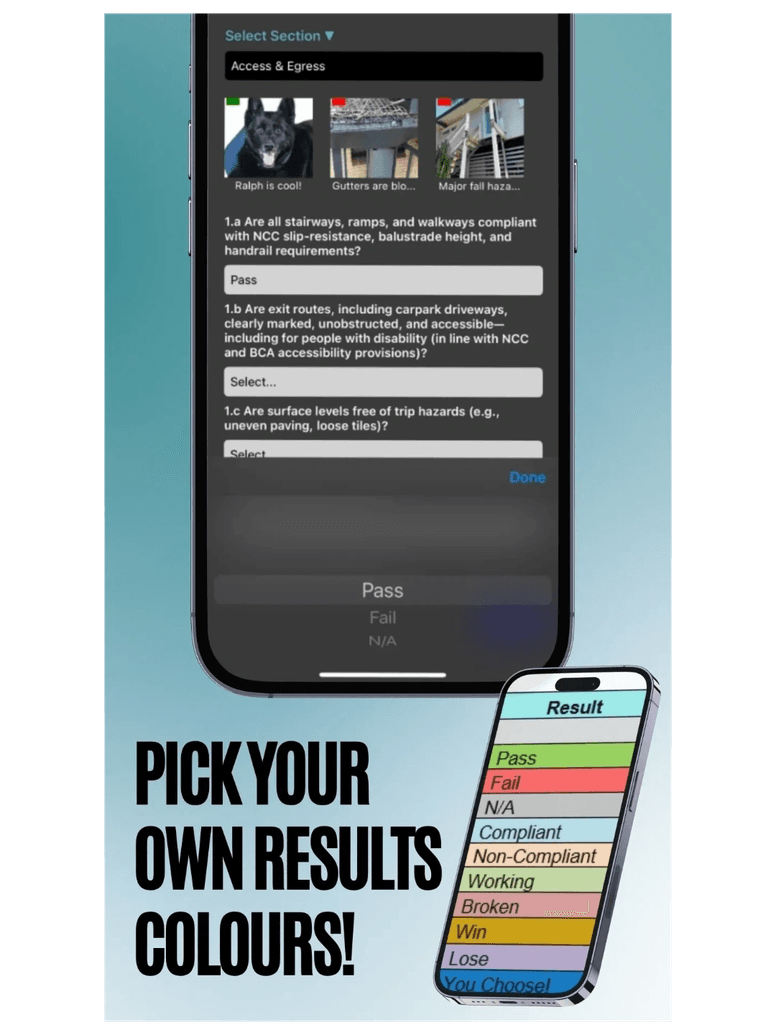
Formigo takes the pain out of on-site paperwork. Upload your own template — or start from one of ours — and the app turns it into fields you can fill on your phone. Add photos, notes and results as you walk the site, then export a finished DOCX or PDF.
It works completely offline, so remote sites with no reception are no obstacle. Save to your device and share the file later when you are back in range.
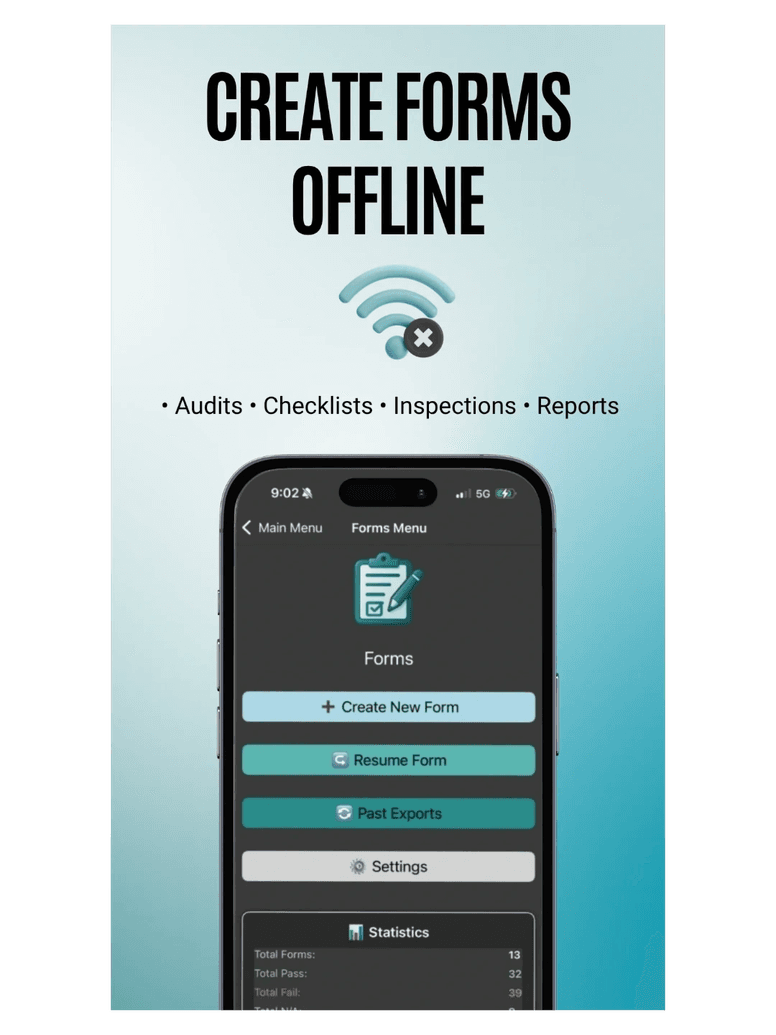
What it does
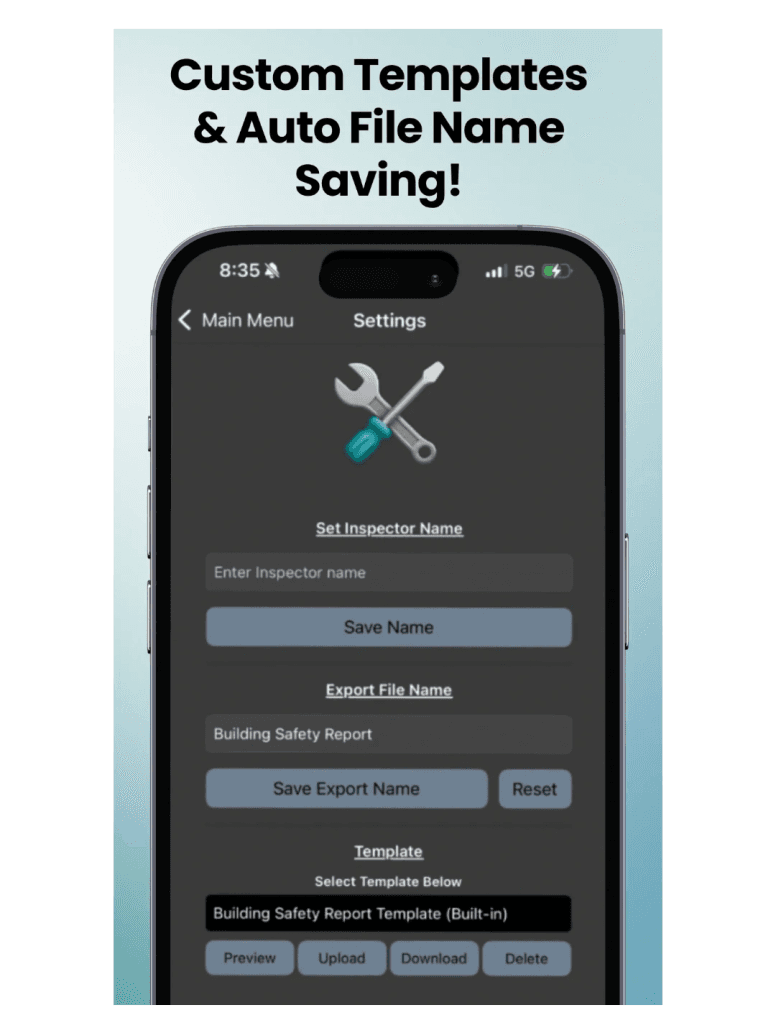
Custom Templates & Settings
Every business is different and every industry keeps moving. Set your inspector name, export file name and template in settings, and change them whenever you need to.
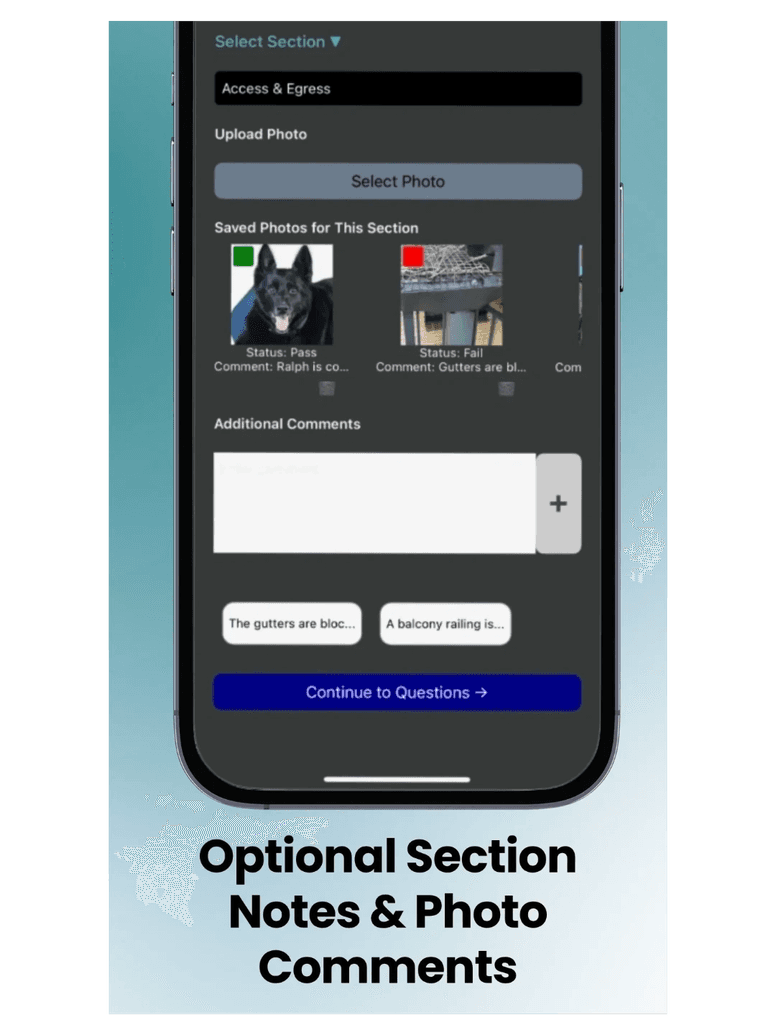
Dynamic Form Building
The placeholders in your template pass straight into Formigo. Complete the job details, pick your section, add your photos and notes, and export.
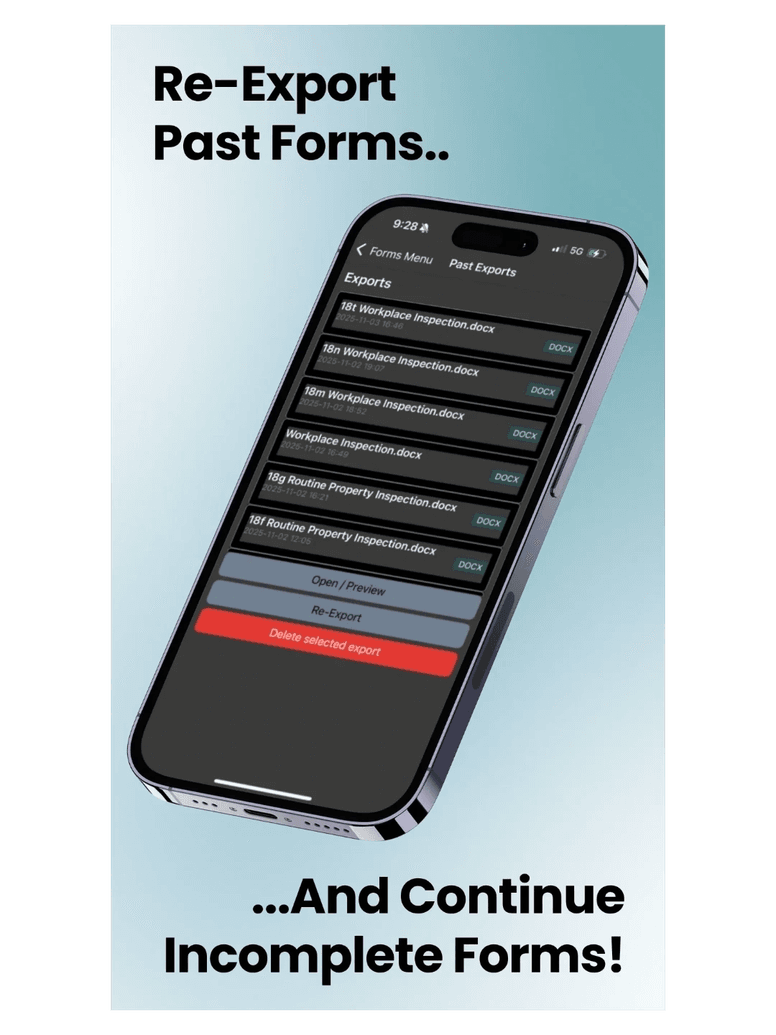
Past & Resume Backups
Lost an exported file, or ran out of time to finish one on site? Resume a started report or re-export a previous one from Past Exports.
Built to be quick on site
Frequently asked questions
What types of forms can I create with Formigo?
Formigo specialises in inspections, audits, checklists and reports across a wide range of industries. Exports are available as DOCX or PDF files.
Does Formigo work without internet?
Yes. Formigo works completely offline, so if you are out in the sticks with no reception you can still complete the whole report and share it later.
So my placeholders show up in the app?
Yes. The app dynamically reads the template you have selected on the settings page, displays those placeholders as fields, and carries your answers through to the exported file.
What placeholders should I use in my template?
You can use any placeholders you like — Formigo reads them dynamically, so it will display whatever you require. Question results, photos and notes do need specific placeholders set in your template: <S1PH> for Section 1 Photos Here, <S1RH> for Section 1 Results Here and <S1NH> for Section 1 Notes Here, incrementing the number for each further section (<S2PH>, <S3PH> and so on). See the in-app instructions for more detail.
Can I connect my existing service management software?
Formigo does not currently offer an API to connect to your existing service software. If you need forms and inspections as part of a wider job management system, KeepUp Jobs & Scheduling covers that ground. For collaboration enquiries, please get in touch.
Need more than forms?
Formigo does one job and does it offline. If you also need to schedule the work, quote it, invoice it and track the equipment behind it, our flagship product covers all of that — including forms and inspections — in one system.
Explore KeepUp Jobs & Scheduling